
Every day, thousands of Amazon sellers submit SAFE-T claims hoping to recover losses caused by fraudulent returns, damaged shipments, or marketplace-related issues. Yet many of these claims are rejected—not because the seller is wrong, but because the evidence submitted is incomplete, inconsistent, or difficult to verify.
Amazon expects sellers to provide clear proof supporting every claim. A packing video without an identifiable order, missing product photos, or an unclear shipping label often isn’t enough.
This is where a structured evidence collection process makes all the difference.
Why Amazon Rejects SAFE-T Claims
Amazon reviews claims based on the quality and reliability of the evidence provided. Common reasons for rejection include:
- No proof that the correct item was packed.
- Shipping label or AWB number is not visible.
- Missing product or packaging photos.
- Video starts after the parcel is already packed.
- Files are disorganized or difficult to review.
- No clear connection between the shipment and the recorded evidence.
Even if your claim is genuine, weak documentation can reduce the chances of approval.
What Strong Evidence Looks Like
A complete evidence package should include:
- AWB barcode clearly visible.
- Continuous packing video.
- Shipping label shown to the camera.
- Product photos before packing.
- Packaging photos before sealing.
- Timestamped records.
- Organized files for quick submission.
The easier it is for reviewers to verify your claim, the stronger your case becomes.
How ClaimVMS Simplifies the Process
ClaimVMS standardizes your entire packing evidence workflow so every shipment follows the same documented process.
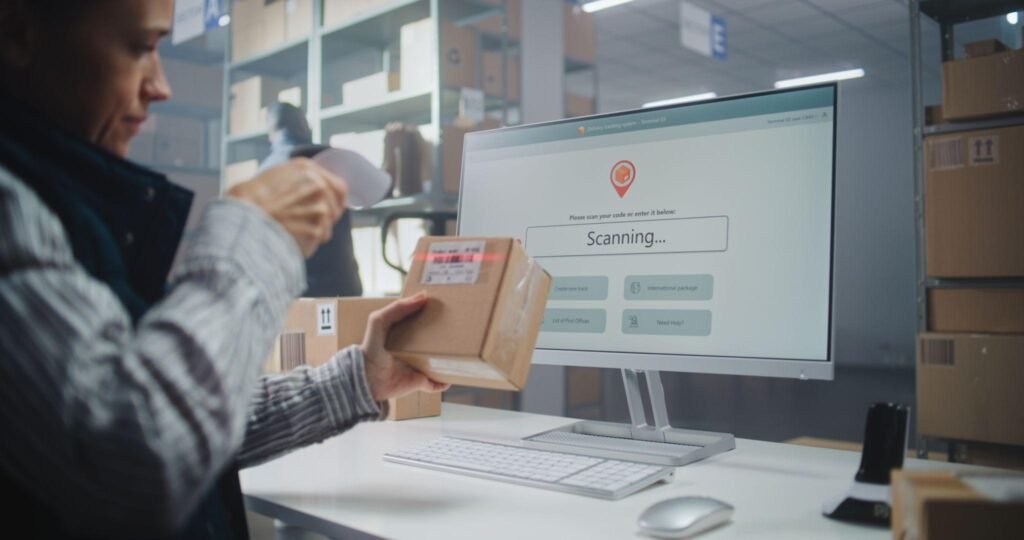
Step 1 — Scan the AWB
Simply scan the AWB barcode.
ClaimVMS automatically starts recording and links the video to that shipment.
No manual recording.
No searching for videos later.
Step 2 — Show the Shipping Label
Hold the parcel label in front of the camera.
This ensures the recording is directly associated with the correct shipment.
Step 3 — Capture Product & Packaging Photos
If additional proof is required, capture:
- Product photos
- Packaging photos
These images become part of the shipment record.
Step 4 — Select the Issue
Choose the relevant issue from the available options, such as:
- Wrong Product
- Damaged Product
- Missing Item
- Empty Box
- Other
This helps organize claims and speeds up documentation.
Step 5 — Submit the Claim
Click Submit Claim.
ClaimVMS automatically:
- Saves the recording
- Compresses all captured images into a ZIP file
- Associates everything with the AWB
Step 6 — Automatic Email Submission
After submission, ClaimVMS automatically sends an email containing:
- AWB Number
- Selected Issue
- Claim Details
- ZIP File of Photos
Everything required for claim documentation is organized and ready without manually attaching files.
Benefits of Using ClaimVMS
- AWB-linked video recording
- Automated documentation workflow
- Organized evidence for every shipment
- Faster claim preparation
- Reduced manual work
- Better record management
- Supports marketplace dispute documentation
Best Practices to Improve Your Claim Success
- Start recording before packing begins.
- Always show the shipping label clearly.
- Capture product and packaging photos when needed.
- Keep videos uninterrupted.
- Store evidence with the shipment’s AWB.
- Submit organized files instead of scattered photos and videos.
Conclusion
Winning SAFE-T claims isn’t only about having evidence—it’s about having the right evidence in the right format.
A consistent documentation process reduces missing information, saves time during disputes, and helps sellers prepare stronger claim submissions.
ClaimVMS automates this workflow by connecting AWB scanning, video recording, photo capture, issue reporting, and automatic email documentation into a single streamlined process.
If your business ships dozens or hundreds of orders every day, having standardized evidence can make claim management significantly easier.